Microsoft Teams
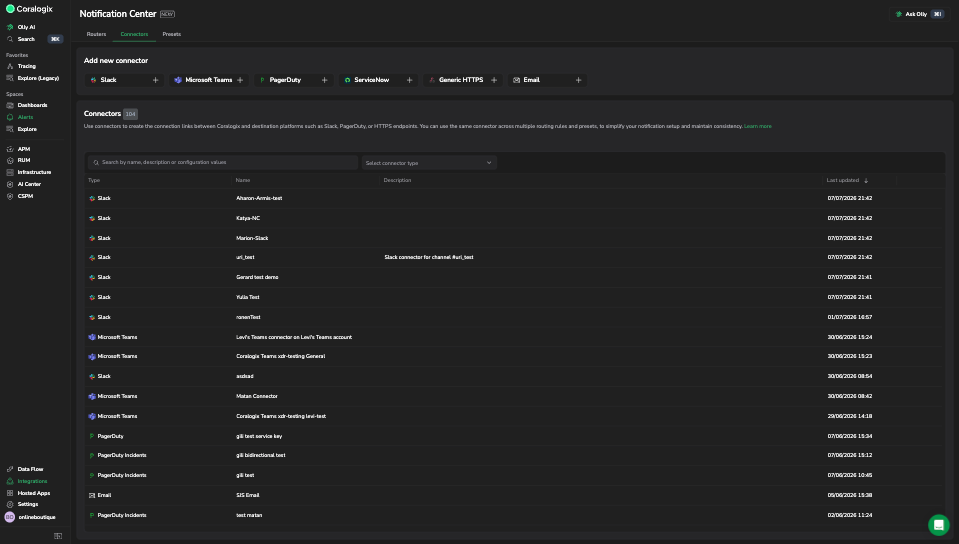
Notification Center delivers Coralogix notifications to Microsoft Teams channels through a native connector, so incident conversations happen where your team already works.
The native Microsoft Teams connector is in private beta, behind a feature flag. To request access and the app package, contact your Coralogix account team (TAM) or Support.
Why it matters
Microsoft has retired the legacy Office 365 incoming webhooks that older Teams notifications depended on, which leaves webhook-based Teams alerts on a deprecation path. The native connector replaces them with a top-level integration: it authenticates through a Coralogix app in your Microsoft Teams tenant, posts to the channels you select, and reflects the full Case lifecycle (assign, acknowledge, resolve, and close) in near real time, including on the Cases timeline. Teams becomes a supported destination alongside Slack, PagerDuty, and the rest, routed through the same routing rules and presets.
Integrate with Microsoft Teams
Microsoft Teams requires the Coralogix app installed and authorized in your tenant before a notification can reach a connector. A Teams administrator installs and authorizes the app, you set up the integration, then you create a connector for a channel. See Install and set up Microsoft Teams for the full walkthrough.