Session length
As part of their user management, team administrators can define the duration of idle sessions for all team members. Enabling this option will end all current login sessions after a period of time and require users to log in again.
Access session length management settings
In your Coralogix dashboard, select Settings at the bottom of the left navigation bar.
In the left-hand sidebar, in the Security section, select Sessions.
Manage settings
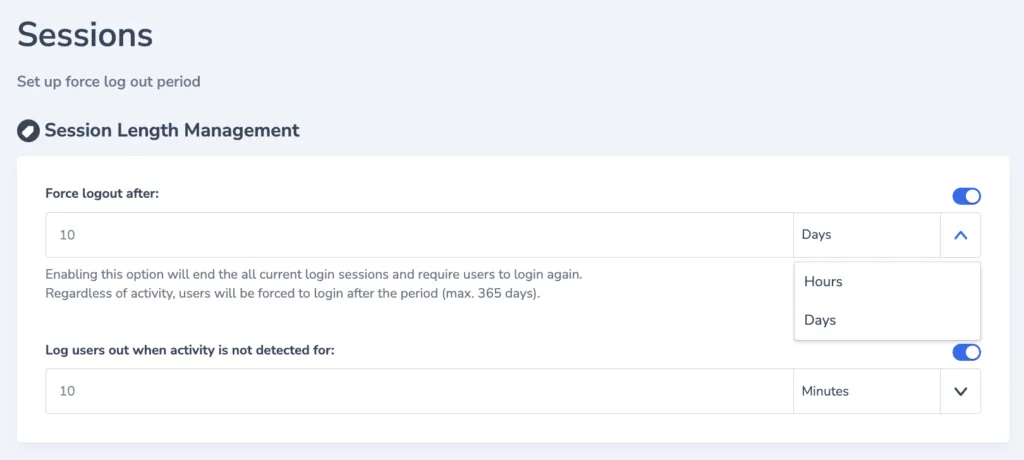
Admins have the option of activating up to two states using toggle buttons.
-
Force logout. Enabling this option will end all of the current login sessions and require users to login again. Regardless of activity, users will be required to log in after a period of time, which can be set in hours or days.
-
Log users out when activity is not detected. Enabling this option will end the current login session for any user whose activity has not been detected for a period of time, which can be set in minutes or hours.
Find out more about team and user management here.
Additional resources
| Documentation | Team & User Management |