Accept an invitation
Join your team in one step from the invitation email. Coralogix recognizes whether you're new or already have an account, and makes sure the invitation lands on the right account.
Accept the invitation
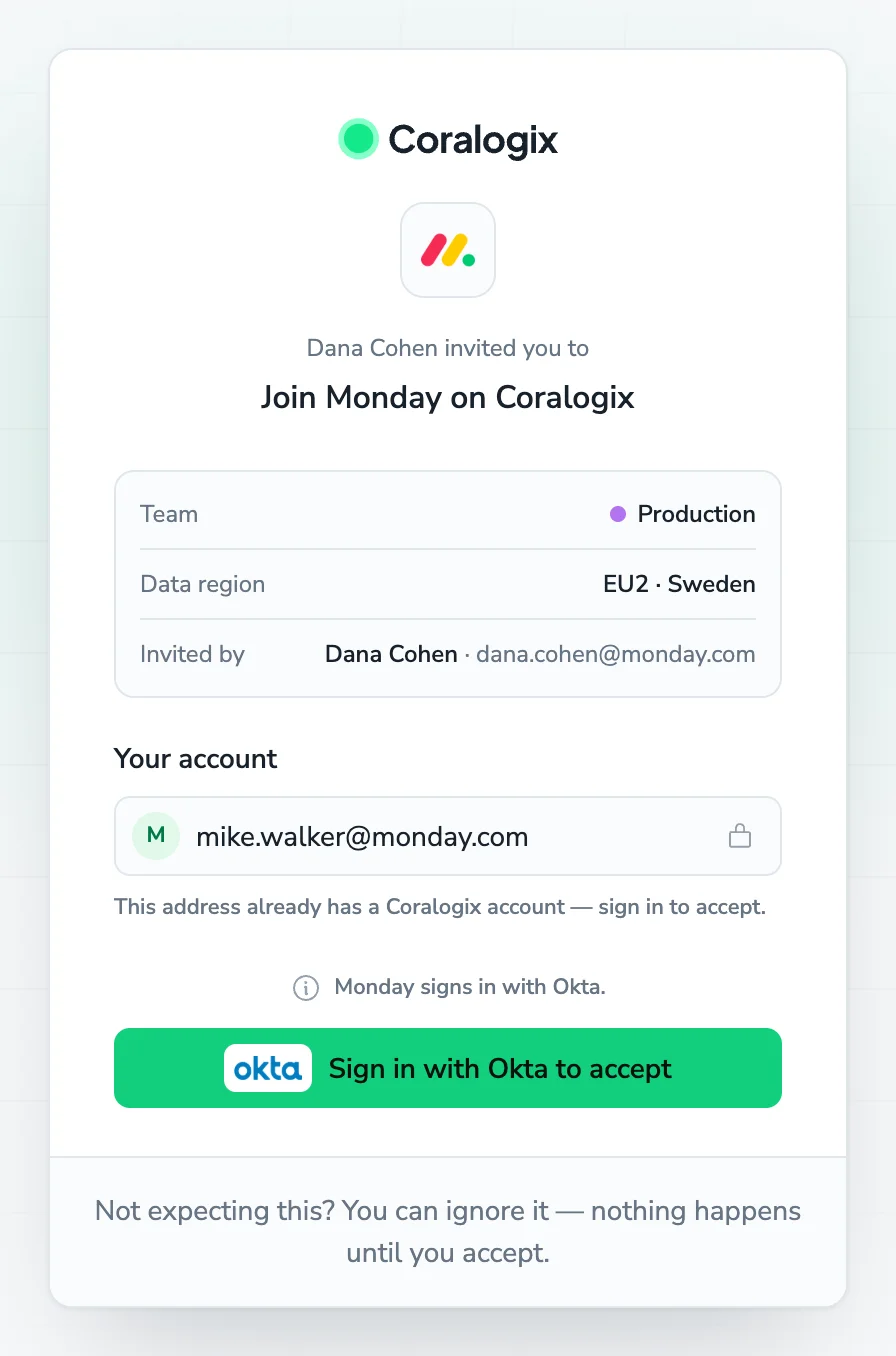
Open the link in the invitation email. What you see depends on whether you already have an account and who you're signed in as:
| Situation | What you do |
|---|---|
| New to Coralogix | Enter your name and create a password, then select Create account. |
| Existing account, not signed in | Select Sign in to accept and sign in with your usual method. See Login methods. |
| Already signed in as the invited address | Select Join team. |
| Signed in as a different address | This invitation is for another account appears. Select Sign in as the invited address to continue. An invitation is never added to a different account. |
The invitation link works once, only for the invited email, and expires.
Troubleshoot
| Message | Cause | Resolution |
|---|---|---|
| This invitation link has expired. Please request a new one. | The invitation expired. | Ask the team admin for a new invitation. |
| This invitation has already been accepted. Sign in to continue to your account. | You already used this link. | Sign in instead. |
| This invitation link is invalid or has expired. | The link is wrong, or the invitation was removed or expired. | Check the link, or ask the team admin to invite you again. |
| This invitation is for another account | You're signed in as a different email. | Select Sign in as the invited address. |
Learn more
Last updated on