Sign in with SSO
Sign in with the account you already use for your other work apps. With single sign-on (SSO), you don't need a Coralogix password, and your identity provider (IdP), such as Okta or Microsoft Entra ID, handles the second factor. Admins set it up in SSO with SAML.
Sign in
- Enter your work email and select Continue. If your email domain uses SSO, Coralogix shows Single sign-on is available for your domain.
- Select Continue with SSO. If Coralogix can't tell your team from your email, select Sign in with SSO and enter your team name.
- Sign in at your IdP. Coralogix opens your team. See Where you land.
If your email also belongs to a team in another organization, select Sign in with other SSO and enter that team's name. If a team has more than one SAML configuration, pick one on Choose your sign-in provider.
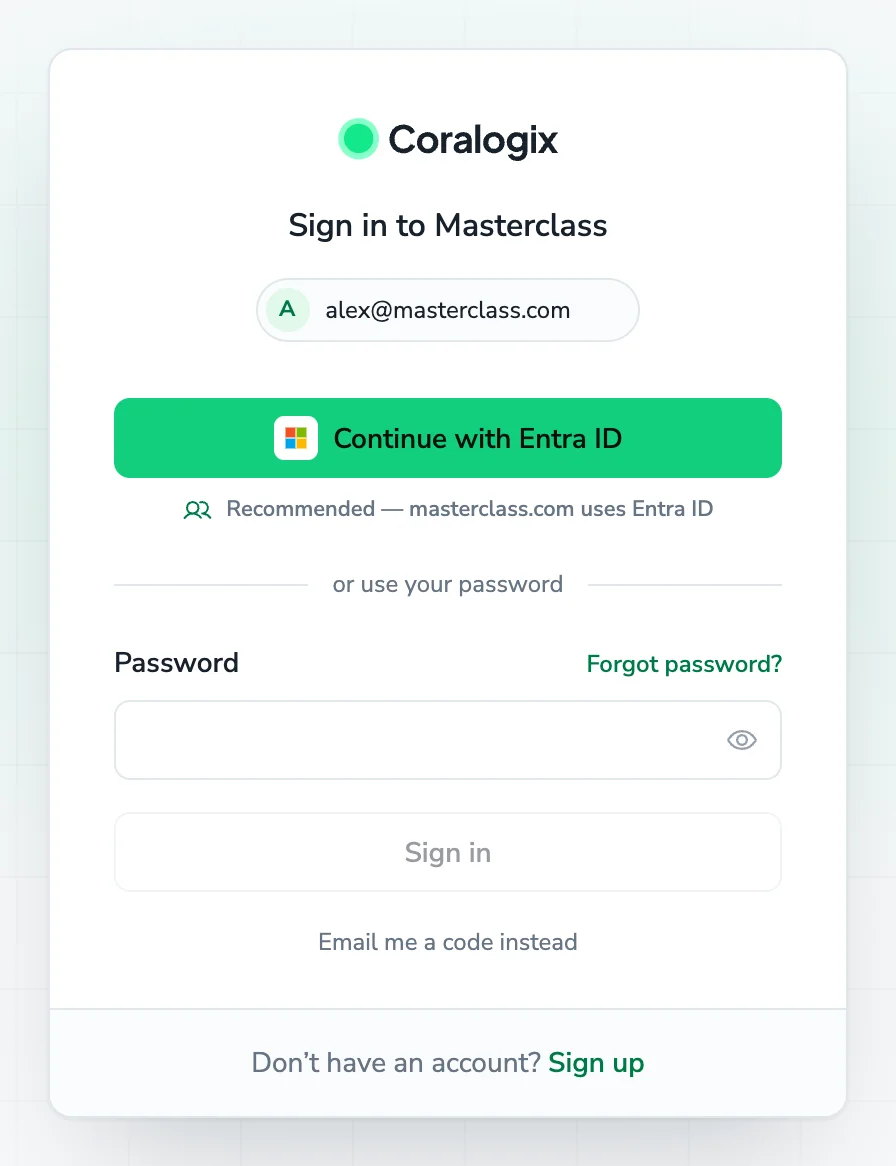
Sign in from your team URL
On your team URL, for example https://<team>.coralogix.com, Coralogix already knows your team. If the team uses SSO, Sign in with SSO comes first, with email and password below Or. If the team enforces SSO, password sign-in is refused.
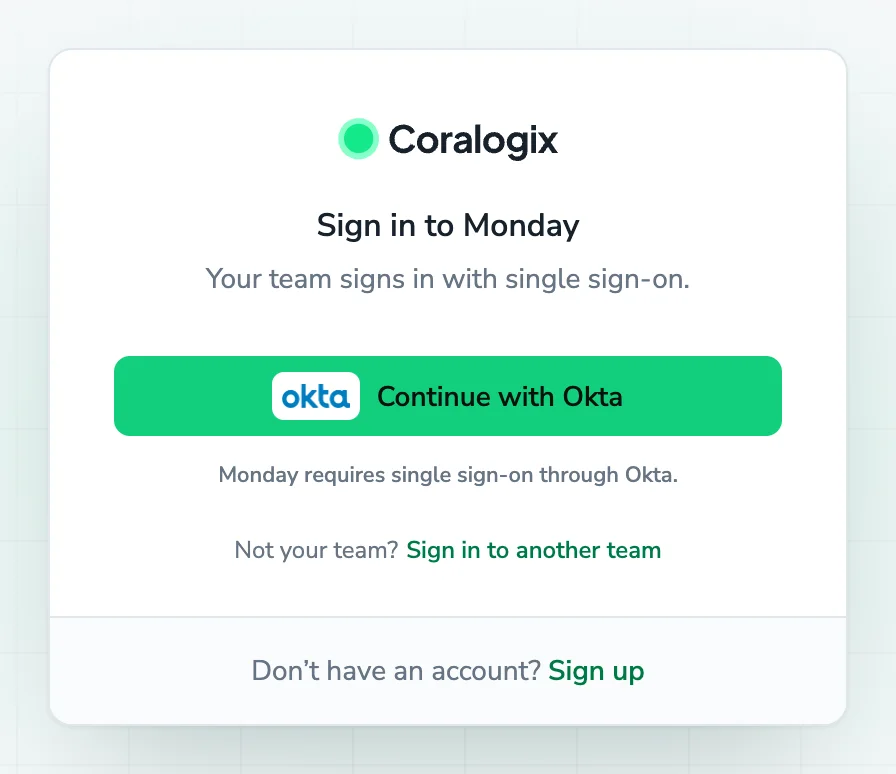
Sign in from your identity provider's dashboard
If your team has enabled IdP-initiated login, select the Coralogix tile in your IdP's app dashboard, for example Okta or Microsoft My Apps. Coralogix opens the team without a sign-in form. This also works when your SSO email can't receive mail.
If SSO isn't working
If your IdP is down, an account that's allowed to use a password can still sign in: select Continue with password, or on a team URL, enter your email below Or. Admins use this to fix the SSO setup. See Allowed login methods for a user.
Troubleshoot
| Message | What to do |
|---|---|
| Password login is not allowed for your account on this team. Please use SSO. | Sign in with SSO, or ask your admin to allow password sign-in for you. |
| Password sign-in is turned off for you in this team | Select Sign in to the identity provider. |
| SSO login is not allowed for your account on this team. Please use password. | Sign in with your email and password. |
| SSO sign-in is turned off for you in this team | Select Sign in with email and password. |