Alerts use case: raw output type
The Slack destination type requires you to select between Structured and Raw output type.
For maximum customization, go to Integrations, then Notification Center, then Presets, then New alert preset, then open the Advanced tab in Message to view or edit the underlying template schema and variables. In this mode, the message schema is configured directly using a JSON payload. The templates within the payload are rendered, and the resulting message is sent as-is to the Slack API.
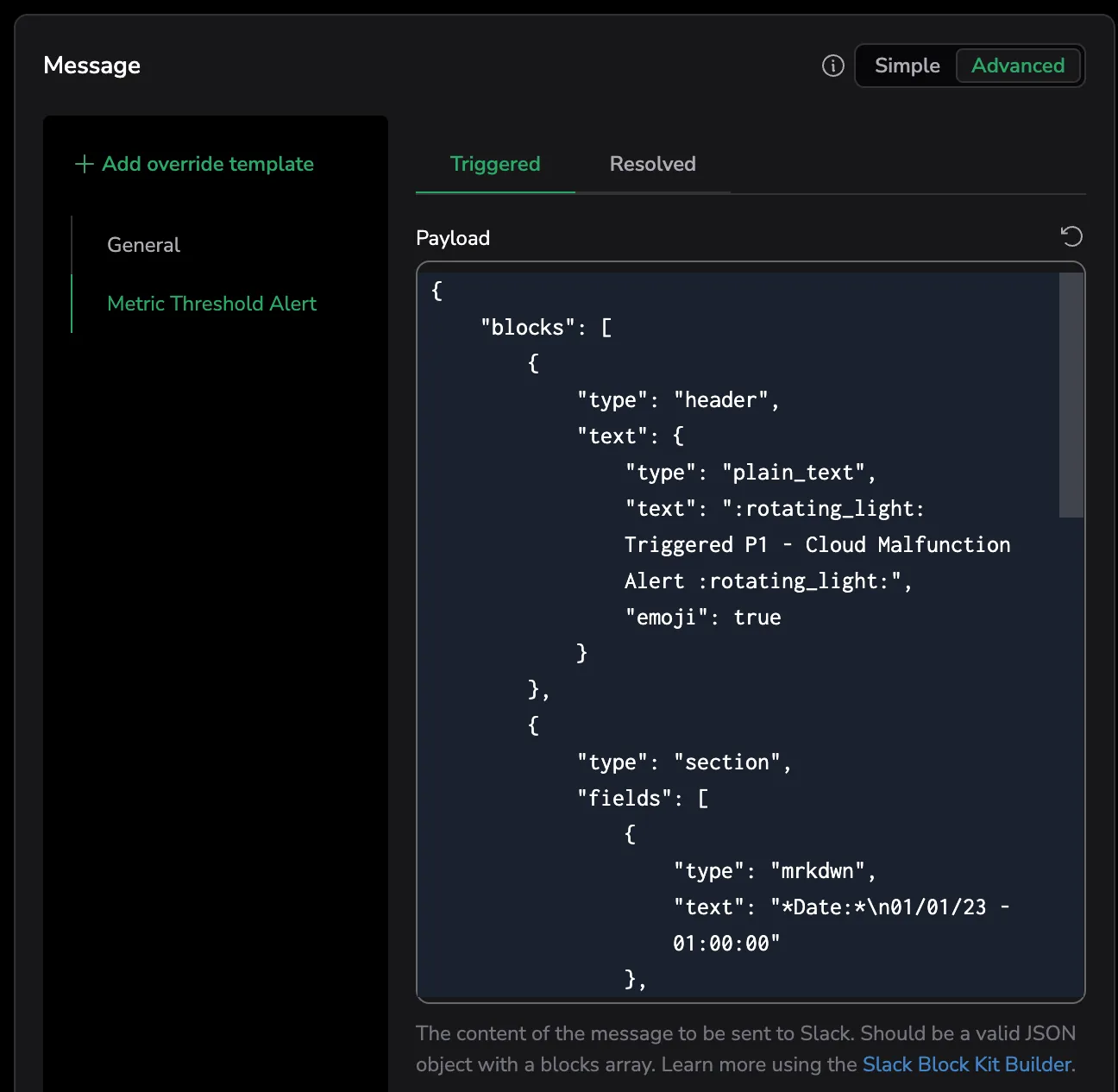
To create a custom raw Slack message, paste the required fields from your Slack app's Block Kit or existing notification templates into a clean JSON file.
Next steps
Last updated on