cx-cli
One-command setup with cx init
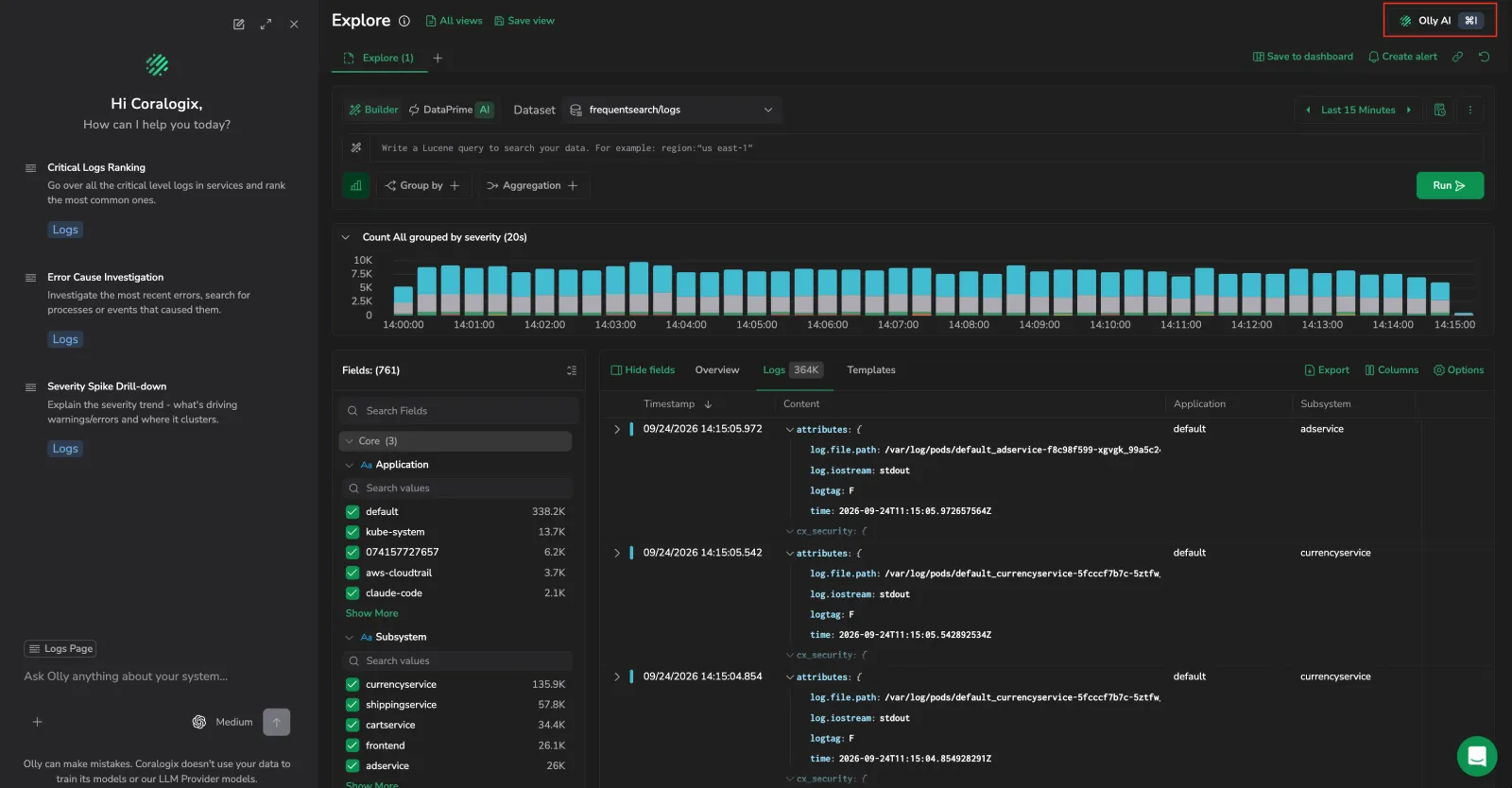
Setting up the CLI is now a single command. cx init creates your profile, installs the agent skills, and offers to set up shell tab-completion in one guided run, so you can no longer end up with a CLI your coding agent doesn't know how to use.
You no longer need to know your region: paste the Coralogix URL you use in the browser and cx derives the region for you. A URL it doesn't recognize, such as a bring-your-own-cloud or private-link deployment, becomes a custom API endpoint instead of an error. Sign-in is a browser login, so there is no API key to paste.
New profiles allow risky commands (iam and archive write operations) and have Olly enabled. Neither is prompted for. Change allow_risky_commands or olly_enabled in ~/.cx/config.toml afterwards, or create the first profile with cx profiles add --disable-olly.
Spell the run out with flags (cx init --url ... --api-key $CX_API_KEY --global-skills) and it prompts for nothing, which is the path for CI, containers, and coding agents. A new cx skills install command installs and updates the agent skills on their own, and any command run on a machine with no profile now points you at cx init.
"View in Coralogix" links from the terminal
After a command that acts on something with a page in the Coralogix UI, cx prints a View in Coralogix: <url> line, so you can jump from your terminal straight to the dashboard, alert, or case you just worked on. A command that acts on a single resource links to that resource's page. A list or settings command links once to the page that holds the whole collection, however many rows it returned, and prints nothing when the result is empty. A run that targets several profiles at once prints one link per profile.
The line goes to stderr only, so -o json and -o toon output is unchanged and anything parsing structured output never sees it. Most teams need no setup: cx resolves your console URL from the API on first use and caches it in the profile for seven days.
Suppress the line with --no-console-link for a single run, CX_NO_CONSOLE_LINK for a shell session or CI job, or no_console_link = true in ~/.cx/config.toml for every invocation.
Coralogix docs lookup from the terminal
Two new commands (cx docs search <query> and cx docs fetch <suffix>) search and read the Coralogix documentation portal directly from your terminal. Use --limit to widen the result set and -o json or -o agents for machine-readable output.
No API key is required. The docs portal is public. The same lookup is also available in the Coralogix MCP server as search_docs and fetch_doc.
AI-native Case management from the terminal
A new Cases skill for cx-cli brings incident response to the terminal. Use cx to query Cases, troubleshoot and resolve incidents, run analytics, and follow AI agent-guided lifecycle steps (from triage through resolution) without leaving your shell. Learn more
cx-cli launch
The Coralogix CLI (cx-cli) is now available. Query logs, metrics, spans, and Real User Monitoring (RUM) data from the terminal using DataPrime and PromQL. Built for humans and AI agents. Includes multi-profile fan-out, AI-friendly output formats, and bundled skills for Claude Code, Cursor, Codex, and 40+ more agents. Learn more