Session replay
Optimize user experience monitoring by recording and replaying user sessions with Session Replay.
What you need
SESSION-RECORDING:READCONFIGis required to view Session Replay (included in all standard roles).- Enabling or configuring Session Replay requires
RUM-SETTINGS:UPDATECONFIG(Standard User or higher).
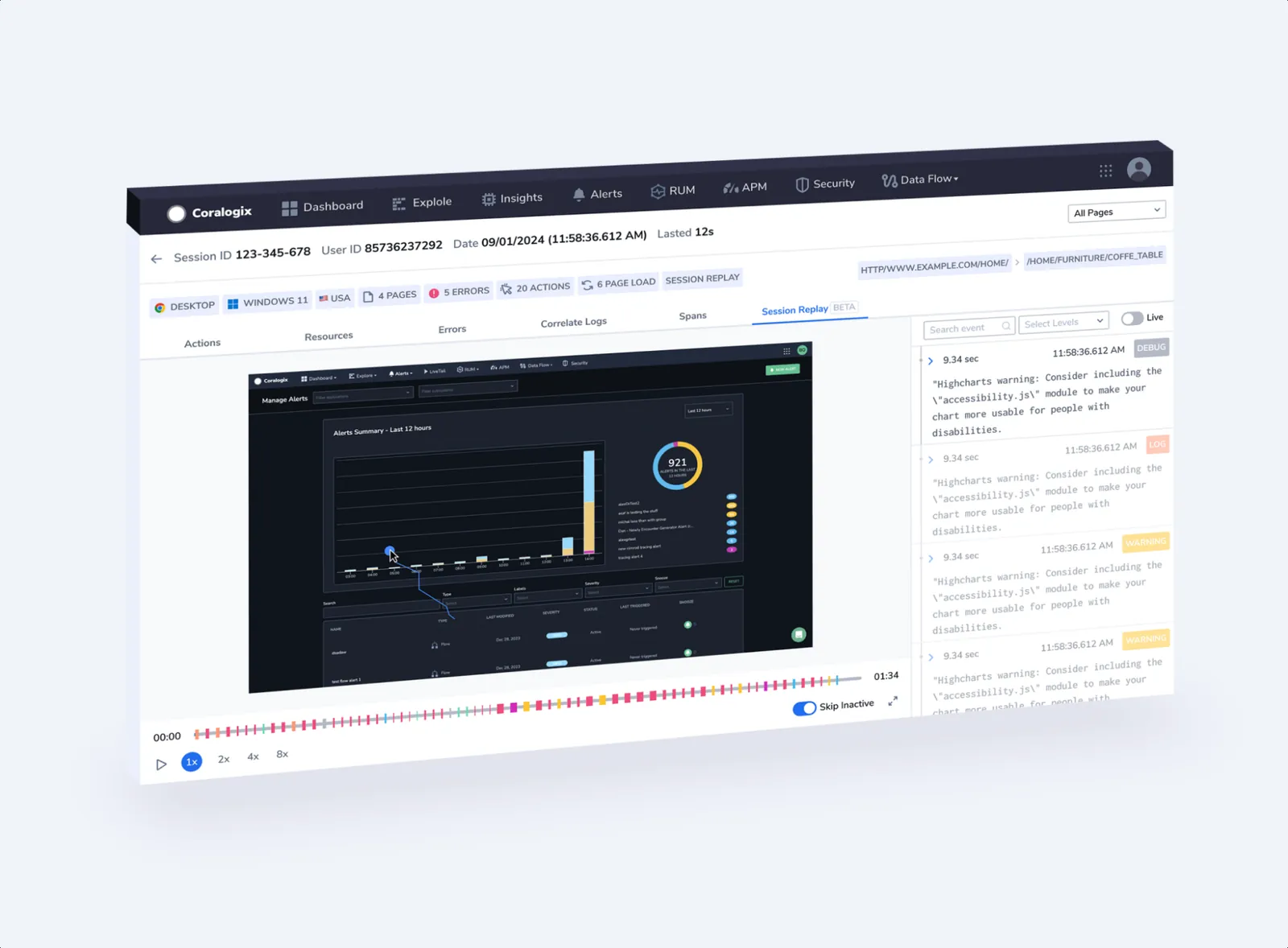
Overview
Session Replay helps you visualize user behavior by recording and replaying sessions in your application. It captures user interactions such as clicks, screen transitions, and inputs to give you full context around performance issues, UI bugs, or unexpected behavior.
When combined with Real User Monitoring (RUM) performance data, Session Replay is invaluable for pinpointing, tracking, and resolving errors. It also provides insights into your application's usage patterns and design flaws.
What gets recorded
A replay reconstructs the visual state of your application alongside the user's interactions:
- User interactions: clicks, taps, scrolls, screen transitions, and form inputs.
- DOM or UI state: the rendered view at each interaction, including dynamic updates.
- Network and console activity (web): failed requests, JavaScript errors, and console messages, correlated to the moment they occurred.
- Errors and crashes: surfaced inline on the timeline so you can jump from a stack trace to the exact frame where the user hit it.
Privacy by default
Session Replay is designed to be privacy-safe out of the box. By default, the SDK masks text content, user input, and media so that personally identifiable information (PII) is never sent to Coralogix. You can adjust the masking rules per platform. See the platform-specific pages below for the full list of options.
Sampling
You control how many sessions are recorded through sampling rates configured at SDK initialization. A common pattern is to record a small percentage of all sessions for ambient visibility while recording a higher percentage of sessions that contain errors. Each platform page documents the available sample-rate parameters and their defaults.
Supported platforms
Session Replay is supported on the following platforms:
- Session Replay for web, record and replay browser sessions, including DOM state, console output, and network calls.
- Session Replay for iOS, capture visual snapshots of user interactions on your iOS application.
- Session Replay for Android, capture and replay user interactions in your Android app.
- Session Replay for React Native, record cross-platform sessions in React Native applications.
- Session Replay for Flutter, capture user interactions in Flutter apps using the native mobile Session Replay capabilities.