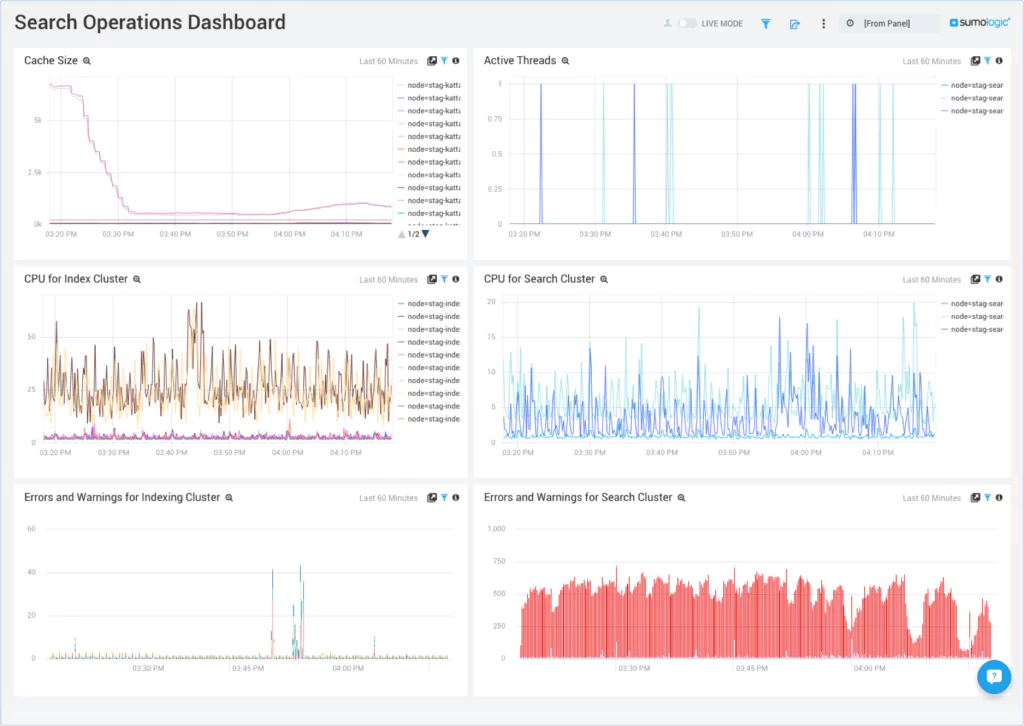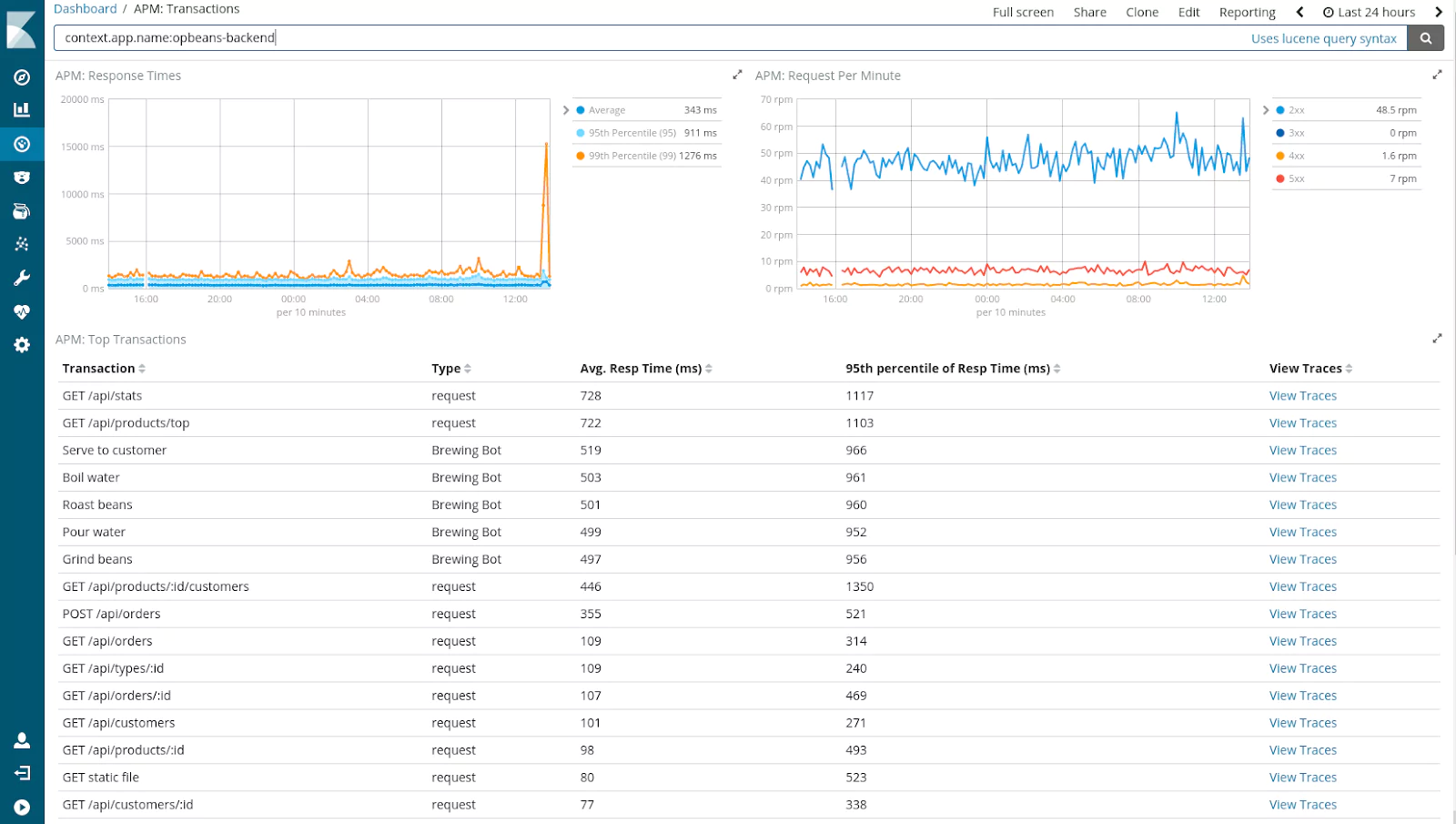
Coralogix and Sumo Logic are two different answers to the same observability platform decision. Where Coralogix processes telemetry in flight, stores it in your own Amazon Simple Storage Service (S3) bucket, and prices on data ingested, Sumo Logic keeps data in vendor-managed storage and, under its Flex model, bills for data scanned at query time.
Both platforms have introduced pricing and artificial intelligence (AI) changes in the past year, and those changes have widened the difference between them.
This guide covers how that architectural split plays out across pricing, core features, AI capabilities, security packaging, archive query, and support, then shows when each platform is the better fit.
What Is Coralogix?
Coralogix is a full-stack observability and security platform built to remove the two pressures this comparison keeps returning to: unpredictable monitoring costs and telemetry locked in a vendor’s store.
It processes logs, metrics, traces, and security data in flight through its Streama© engine, writes everything to your own S3 bucket in open Parquet format, and bills per gigabyte (GB) ingested with no per-host, per-user, or per-query fees. Coralogix was named a Visionary in its first appearance in the 2025 Gartner Magic Quadrant for Observability Platforms.
What Is Sumo Logic?
Sumo Logic is a cloud-native log analytics and security platform that ships log management, metrics, application performance monitoring (APM), security information and event management (Cloud SIEM), and security orchestration, automation, and response (Cloud SOAR) as modules under one software as a service (SaaS) contract.
Its Flex pricing model removes ingest charges for logs and bills for data scanned at query time, which shifts the cost driver from data volume to query behavior. The data lives in Sumo Logic’s vendor-managed storage, with retention and archive options that vary by plan.
Summary: Coralogix vs. Sumo Logic
The platforms differ across pricing, retention, archive query, AI, security packaging, support, trial access, and Federal Risk and Authorization Management Program (FedRAMP) status.
| Dimension | Coralogix | Sumo Logic |
| Pricing model | Ingestion-based; $0.42/GB logs, $0.16/GB traces, $0.05/GB metrics | Flex pricing bills per terabyte (TB) scanned at query time (estimated $2.05 to $3.14/TB); log ingest is free |
| Data retention | Customer-controlled (your own S3; no Coralogix platform ceiling) | Long-term retention options available |
| Archive query | Direct query from S3 at no additional cost; no rehydration | Historical query options vary by retention path |
| AI capabilities | Olly (autonomous agent), Model Context Protocol (MCP) server, agentic command-line interface (CLI), AI Center with Guardrails, code agent observability | Dojo AI, Mobot conversational interface, security-focused AI agents |
| SIEM | In-stream Cloud SIEM included in base pricing | Cloud SIEM with separate security-oriented packaging |
| SOAR | Not offered (webhook integrations available) | Cloud SOAR and embedded automation capabilities |
| Support Service Level Agreement (SLA) | 24/7 with a 17-second median response time; all customers | Tiered (Professional, Enterprise, Premium); 0.5-hour priority-one (P1) response SLA on Premium |
| Free tier / trial | 14-day trial; eight units; no credit card; full features | 30-day free trial; no free plan listed |
| FedRAMP | In process (Department of Education sponsorship) | Moderate, Rev5 authorized; 103 agency reuses |
The differences above come down to where each product stores telemetry. The sections below work through them, starting with logs, metrics, traces, and alerting.
Core Features Across Logs, Metrics, Traces, and Alerting
Both platforms cover log aggregation, metrics collection, distributed tracing, and alerting. The differences appear in data correlation and query capabilities, especially around alerting logic.
Firing Alerts Before Data Reaches Storage
During an incident, the delay between an event occurring and an alert firing depends on when the platform evaluates the data. Coralogix processes all telemetry through its Streama in-stream engine before storing anything, so parsing, enrichment, alerting, and anomaly detection happen while data is still in flight, and Loggregation clusters logs into patterns automatically.
Sumo Logic evaluates alert conditions through monitors that continuously query logs or metrics after ingestion, at a frequency that depends on the underlying query and detection window.
Correlating Multi-Stage Incidents with Flow Alerts
A multi-stage outage or attack produces a separate alert for each condition under per-query alerting, leaving the on-call engineer to reconstruct the sequence by hand.
Flow Alerts remove that manual step by chaining multiple alert conditions in a logical sequence across data types, firing only when a specific pattern of events occurs in order. A single Flow Alert can connect Domain Name System (DNS) activity, elevated frontend traffic, a suspicious Internet Protocol (IP) range, and data exfiltration signals into one P1 alert that triggers only if all four conditions appear within a defined time window.
Sumo Logic’s monitors evaluate threshold and anomaly conditions on individual queries, so correlating a sequence of events across signal types means configuring separate monitors.
Query Languages: DataPrime vs. Sumo Query Language
DataPrime uses a pipe-based syntax with explicit source declarations spanning logs, metrics, and traces, so a single query language filters and aggregates across signal types without switching views.
Sumo Logic’s Search Query Language is also pipe-based, but logs, metrics, and traces each get their own query experience. For an engineer mid-incident, that means one query workflow instead of three.
AI Capabilities: Coralogix vs. Sumo Logic
Both platforms have invested in AI-assisted troubleshooting, but their approaches target different workflows. Coralogix’s AI focuses on Site Reliability Engineering (SRE) and platform engineering investigation, while Sumo Logic’s AI direction leans more toward security operations and security operations center (SOC) analyst use cases. If your team is evaluating AI features, the practical question is which workflows each vendor supports most directly.
Coralogix: Olly, MCP Server, and AI Center
Olly, Coralogix’s autonomous observability agent, targets the investigation problem directly: it answers natural-language questions across logs, metrics, and traces, and supports incident triage and root cause analysis, so an investigation starts from a question instead of a query.
For teams wiring AI coding agents into operations, the Coralogix CLI and MCP server give those agents headless access to the same observability data. Teams shipping large language model (LLM) applications get observability and governance from AI Center, with real-time LLM evaluators and AI Guardrails that can block unsafe interactions before they reach users.
Sumo Logic: Dojo AI and SOC Analyst Agent
Sumo Logic’s AI portfolio centers on Dojo AI, its agentic AI platform for security operations, with Mobot as the conversational interface and agents that summarize insights and assist triage. Its SOC Analyst Agent, in preview, applies agentic reasoning to shorten security investigation workflows. The portfolio’s center of gravity sits in the SOC, which matches Sumo Logic’s security-led packaging.
What Each Platform Includes for SIEM, SOAR, CSPM, and SSPM
Running observability and security as separate products means two ingestion pipelines, two contracts, and the same telemetry paid for twice. Security packaging decides how much of that duplication a platform removes.
If your use case spans observability and security together, these boundaries shape the budget before any feature comparison starts.
| Capability | What it covers | Coralogix | Sumo Logic |
| SIEM | Detecting threats across your logs and security telemetry | Cloud SIEM included in base pricing; security data runs on the same in-stream pipeline as logs, metrics, and traces | Cloud SIEM with separate security-oriented packaging, behavioral analytics, and curated content for SOC teams |
| SOAR | Automating the response after a threat is detected | Not offered; webhook integrations connect external tools, including Cortex XSOAR incident creation | Cloud SOAR as a separate product, with automation capabilities inside Cloud SIEM |
| Posture management (CSPM, SSPM, AI-SPM) | Finding risky configurations in cloud infrastructure, SaaS applications, and AI systems | All three included in base pricing with no separate licensing | Does not offer CSPM; teams run a separate posture tool alongside it |
Teams that want SOC coverage without staffing one get a managed option on the Coralogix side: Snowbit, Coralogix’s managed security arm, provides 24/7 managed detection and response (MxDR).
Snowbit analysts triage alerts, build custom detection rules, and run threat-hunting campaigns inside your Coralogix tenant, working from the same data the engineering team already ships. The platform maintains certifications and compliance coverage including SOC 2 Type II, ISO 27001, ISO 27701, PCI DSS, HIPAA, GDPR, DORA, and ISO 42001-aligned AI governance.
Ingestion-Based vs. Scan-Based Pricing Models
Sticker-price comparisons mislead without billing-model context. Coralogix charges based on ingestion volume per signal, while Sumo Logic ties more of the bill to scans and packaged credits. That difference determines cost behavior beyond headline rates.
Built-In Cost Reduction with Coralogix
Coralogix charges based on the volume and type of data you ingest, with no per-user, per-host, or per-query charges for its core observability pricing. The TCO Optimizer routes data into Frequent Search, Monitoring, Compliance, and Blocked pipelines based on policies you define for each data stream, so low-priority data stops billing at the full rate.
Retention costs follow the same logic, set by your object storage choices instead of a platform rehydration charge; the archiving section below covers the mechanics.
How Sumo Logic Flex Pricing Compares
Sumo Logic’s Flex pricing charges for data scanned at query time, not data ingested: log ingestion is free, and the pricing page estimates $2.05 to $3.14 per terabyte (TB) scanned depending on your analytics usage profile. Every dashboard refresh, monitor evaluation, and ad-hoc search consumes scan credits, so monthly cost scales with how often your team queries data, not only with data volume. Flex is the default model for new customers, while some existing customers remain on Sumo Logic’s older tiered plans.
What a Typical Workload Costs on Each Platform
A mid-size Kubernetes platform ingesting 180 GB/day of logs, 5 GB/day of traces, and minimal metrics illustrates the cost difference between the two billing models.
| Component | Coralogix | Sumo Logic |
| Logs (5,400 GB/month) | 5,400 × $0.42 = $2,268 | Log scan costs vary with search frequency |
| Traces (150 GB/month) | 150 × $0.16 = $24 | Trace charges depend on credits and packaging |
| Monthly total | ~$2,292 before storage | Requires vendor quote |
Coralogix produces a deterministic total from published rates, while Sumo Logic’s total depends on query frequency and packaging, so an exact comparison requires a vendor quote. The Coralogix costs below use published rates, with the scan-based structure described earlier applied to Sumo Logic.
Archiving and Archive Query: Who Controls Retention
The two platforms approach historical data with different architectures, and the difference shows up in both retention cost and how fast a historical query returns. For teams where retention policy drives the buying decision, this section carries the most weight in the comparison.
Who Sets the Retention Limit
Coralogix writes ingested data to your own S3 bucket (or Google Cloud Storage on the US3 environment) in open Parquet format. Your cloud storage lifecycle policies control retention, not a Coralogix-imposed limit. Whatever your compliance team sets as the retention window, the platform never caps it.
Sumo Logic supports long-term retention within its platform, with archive options for data beyond primary retention windows. Cost-reduced retention depends on plan and archive path. Sumo Logic’s plan structure sets the retention ceiling.
Direct Archive Query Without Rehydration
Sumo Logic provides multiple paths to historical data, and querying archived data means re-ingesting it: customers create an ingestion job that pulls archived logs from S3 back into the platform before searching them.
During an investigation, that adds a restore step, and a wait, between the question and the answer. Storage and retrieval characteristics also vary by plan and archive path, so the retrieval workflow depends on how the data was archived in the first place.
Coralogix supports remote, index-free querying directly against your S3 archive from the platform user interface, with no rehydration or re-indexing step. Your team can query archived logs and spans in S3 using DataPrime, Lucene, or Structured Query Language (SQL) syntax. All data lives in customer-owned S3, and archive queries carry no additional platform cost, so long-term retention stays predictable. A historical query starts when the question does.
Customer Support Tiers vs. One SLA for All Customers
Support tiers decide who waits during an incident: when faster response sits behind a Premium add-on, the on-call team on a Standard plan waits longest at the worst possible time. Sumo Logic tiers support across Professional, Enterprise, and Premium plans, and its shortest response time SLA is 0.5 hours for P1 issues on the Premium support tier.
Coralogix removes the tiering entirely: every customer gets 24/7 support with a 17-second median response time, regardless of spend. That takes support quality out of the contract negotiation.
Onboarding follows the same model. Coralogix offers free expert onboarding to every customer, with Technical Account Managers who support the rollout and migration. Sumo Logic includes a named Technical Account Manager and recurring status calls as part of its Premium support plan.
Coralogix vs. Sumo Logic: Which One to Choose
The decision comes down to which requirements are driving your evaluation.
When Coralogix Is the Better Fit
Coralogix is built for platform engineering and SRE teams that need logs, metrics, traces, security, and AI observability in a single platform with predictable costs and data ownership. Ingestion-based pricing produces a monthly total you can calculate before signing, and your telemetry lives in an S3 bucket you control, not a vendor’s store.
Those cost and data-ownership advantages grow more pronounced as data volumes increase, which is why teams reaching renewal with rising scan or credit bills tend to land here.
When Your Requirements Point to Sumo Logic
Two requirements favor Sumo Logic. If FedRAMP authorization is a hard procurement requirement today, Sumo Logic holds FedRAMP Moderate and Coralogix’s authorization is still in process. If you need built-in SOAR, Sumo Logic packages Cloud SOAR as a product, where Coralogix relies on webhook integrations to external tools. For every other driver in this comparison
If a hard FedRAMP requirement or built-in SOAR sits at the top of your list, Sumo Logic meets it today. For every other driver in this comparison, the question is whether your next renewal turns on security packaging or on growing data volume, and that answer points back to the architecture each platform is built on.
Predictable Costs and Data You Own: The Coralogix Approach
The comparison comes down to where each platform puts control. Coralogix processes telemetry through Streama before storage, writes it to an S3 bucket you own, and bills on rates you can calculate from a published price list, while Sumo Logic keeps data in vendor-managed storage and ties the bill to the volume of data scanned at query time, which moves with how often teams run dashboards, monitors, and searches.
Every difference this guide covered, from in-stream alerting to remote archive querying to support without tiers, follows from that architectural choice.
If you want to see what your current data volume would cost under ingestion-based pricing, try Coralogix for free and run the numbers against your own telemetry. The 14-day trial includes full feature access with no credit card required.
Frequently Asked Questions About Coralogix vs. Sumo Logic
Is Coralogix cheaper than Sumo Logic?
Coralogix produces a deterministic monthly cost from its published per-GB rates, with no query fees. Sumo Logic’s Flex pricing charges for data scanned at query time, so total cost depends on search behavior as well as data volume.
Does Sumo Logic have a free tier?
Sumo Logic offers a 30-day free trial, and its pricing page does not list an ongoing free plan. Coralogix offers a 14-day trial with eight units of data, full feature access, unlimited users, and no credit card required.
Can I migrate from Sumo Logic to Coralogix?
If your team already runs Sumo Logic’s OpenTelemetry Collector, the data ingestion migration consists primarily of reconfiguring the OpenTelemetry Protocol (OTLP) exporter endpoint. Coralogix includes free onboarding support with expert engineers who handle dashboard migration, DataPrime education, and alert configuration.
Does Coralogix support FedRAMP workloads?
Coralogix is in process for FedRAMP, with Department of Education sponsorship, but authorization is not yet complete. Sumo Logic holds FedRAMP Moderate authorization. If FedRAMP is a hard procurement requirement today, Sumo Logic is the compliant choice.